Track a company project across every team
One canvas. Every team, live.
Try it — live demo
This is the real Website Launch template. Open a team, move a card, then go back to the canvas.
How it works
How the project channel works
Each team keeps working where it already works. The project channel collects their tasks onto one canvas, so you see the whole project without asking anyone for status.
Every team's board, side by side
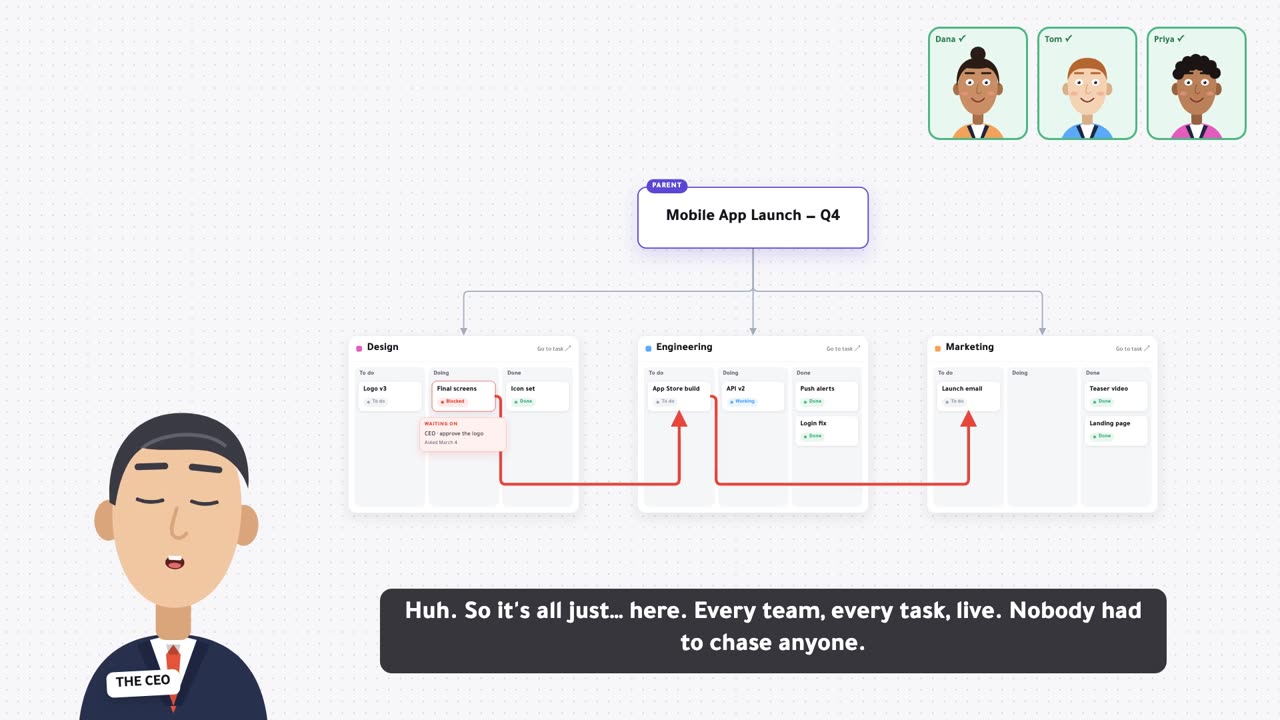
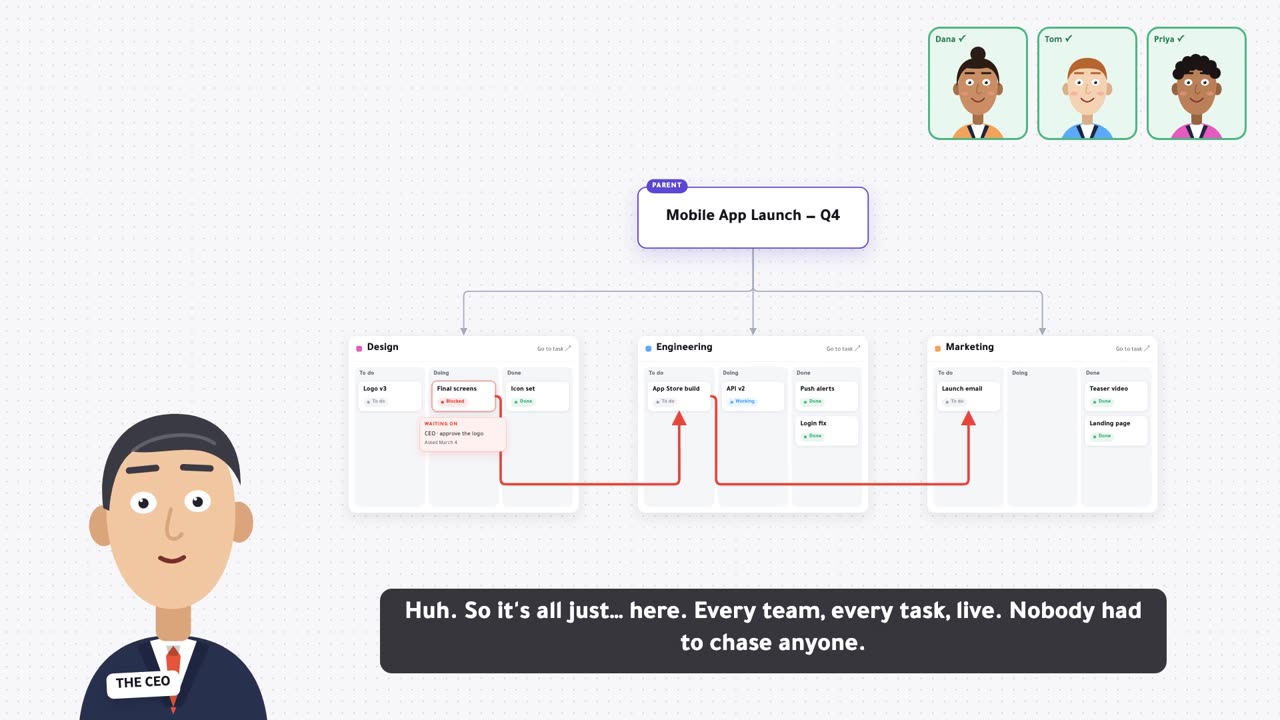
The project opens on a canvas: the goal on top, then Design, Engineering and Marketing, each a live Kanban by status.
- Live boards: cards move as people update status.
- Four statuses: To do, In progress, Blocked, Done.
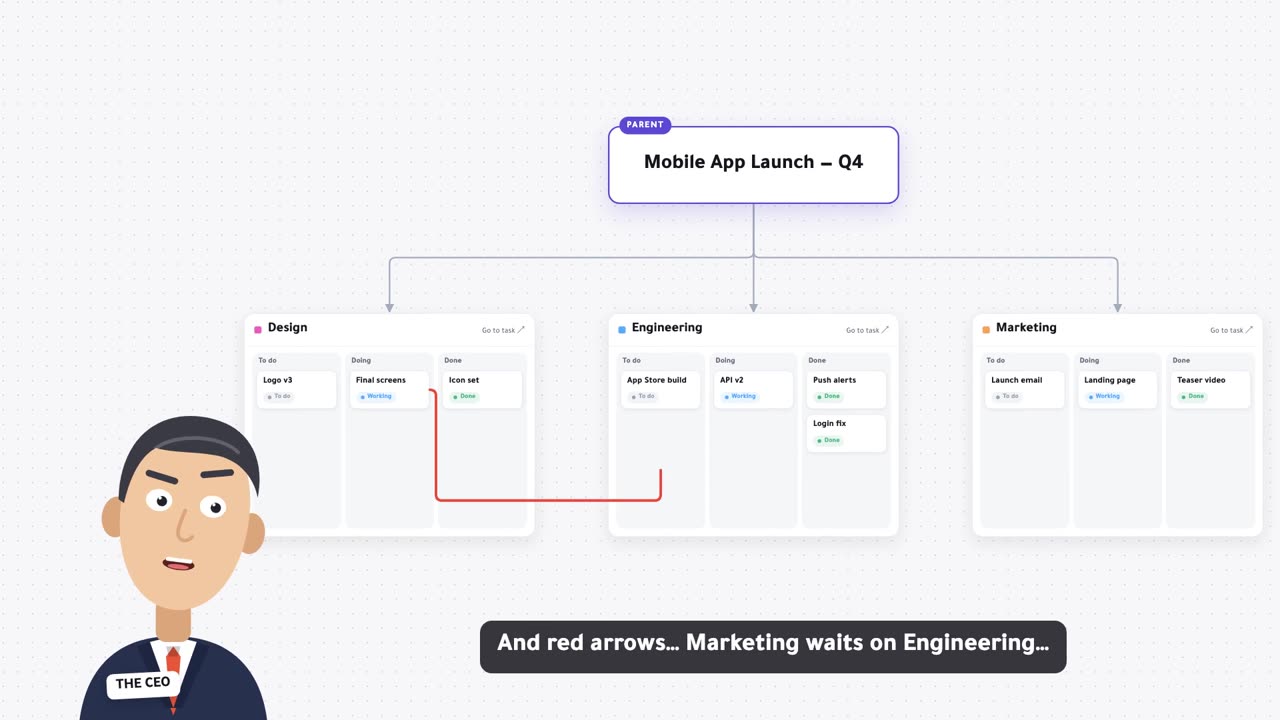
- Arrows show dependencies, like Marketing waiting on Engineering.
Mirror your task in with #
Anyone on the team types #Website Launch on their own task and picks a team, for example Engineering.
- No moving: the task stays in your own workspace.
- Pick a team: it lands on that team's board.
- New tasks start in To do, so nothing goes missing.
The same task, not a copy
Updating the task in either place updates both. There is one task, shown in two places.
- No drift: one task, one status, one set of notes.
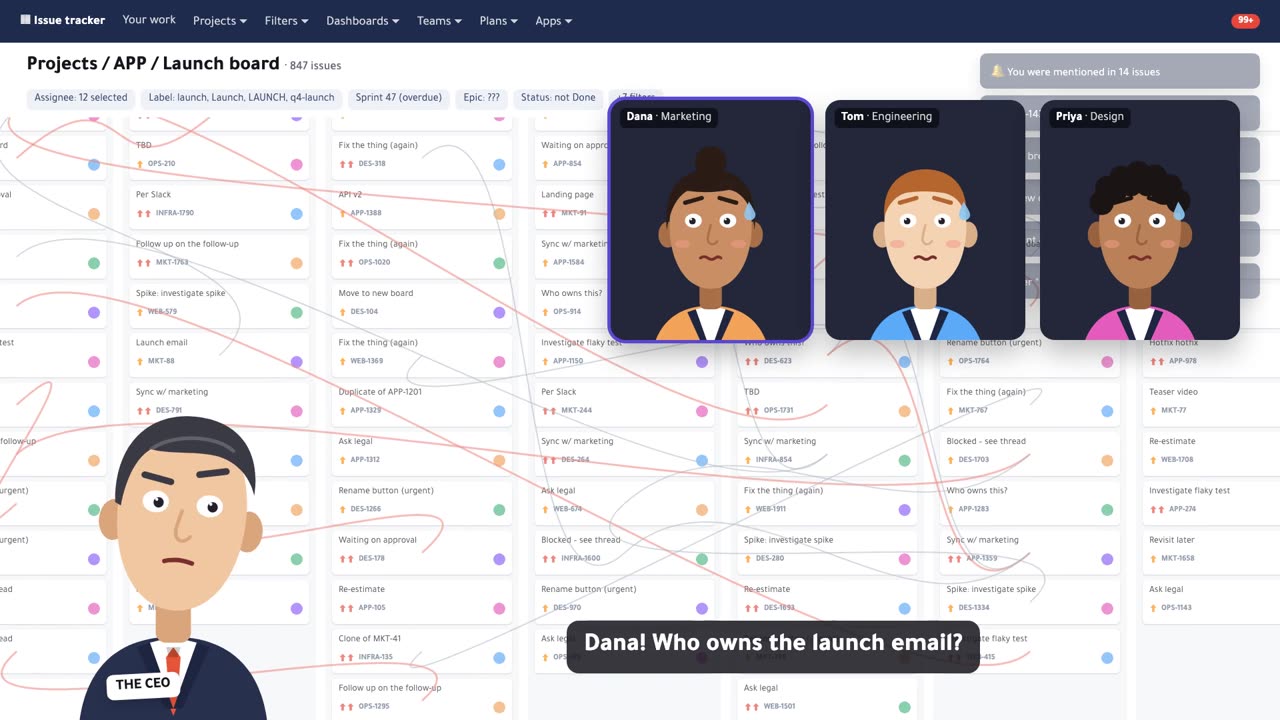
- No chasing: the board is the status update.
- No double entry: people work where they already work.
Start in one click
Open Templates, find Website Launch and press Duplicate. The copy lands in Channels and is ready for your team.
- Rename it: make it your project, keep the teams or change them.
- Add teams: every child of the project is a team someone can pick.
- Keep it: duplicate the template again for the next project.
Run your next project on one canvas
Free to start. Duplicate the Website Launch template and invite your team.