Personal & Team
Your Personal Tasks and Your Team's Projects. One Place.
Private tasks stay private. Shared tasks stay synced. The 4-app tax is over.
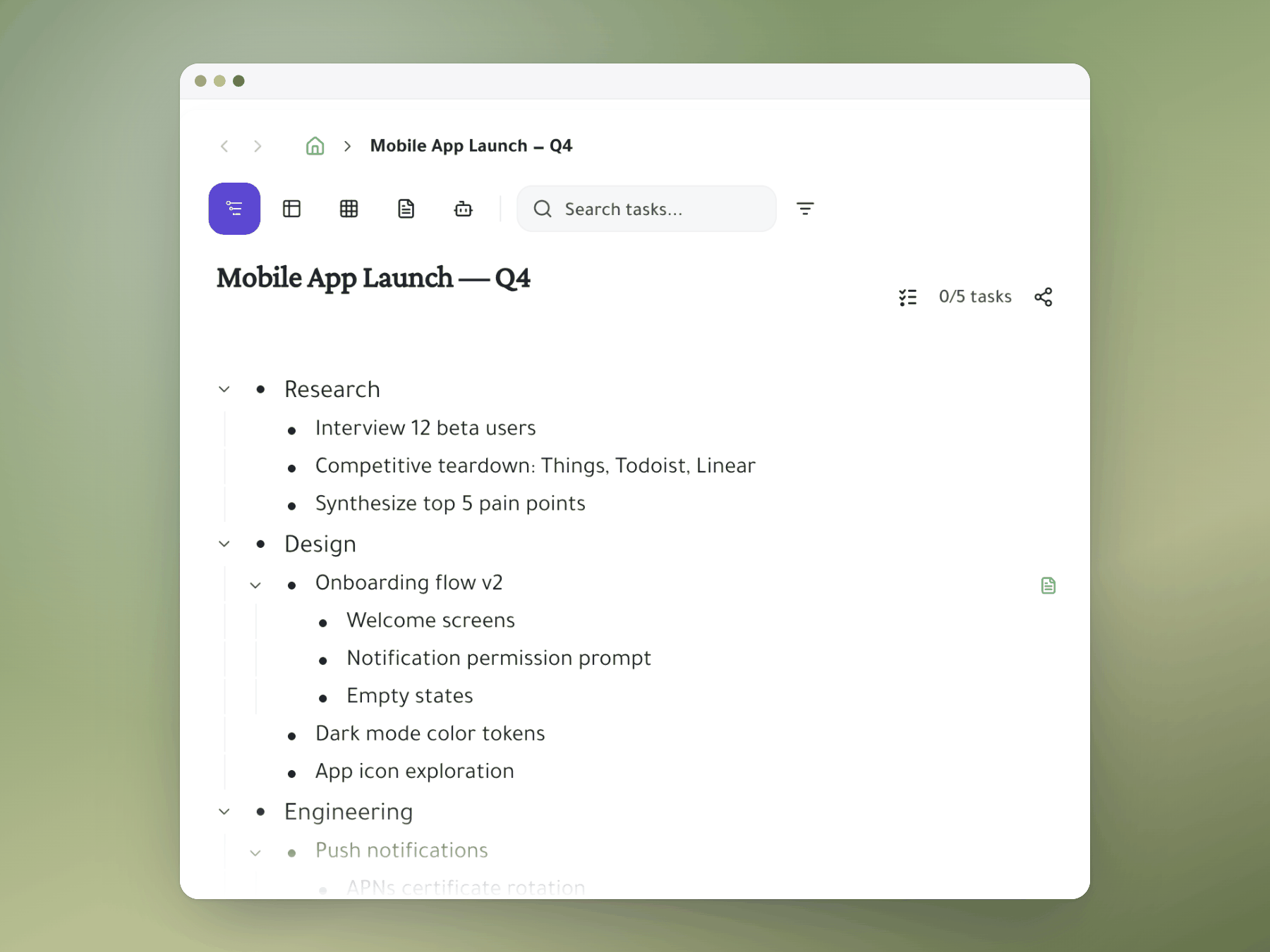
How it works
Everything it does, up close
Keep your personal tasks and your team's work in one workspace, with private work kept private.
Private or shared, per task
Set each task to private or shared, and keep personal work invisible to teammates.
- Private: only you see it.
- Shared: your account members see it.
- Same workspace: personal and team tasks side by side.
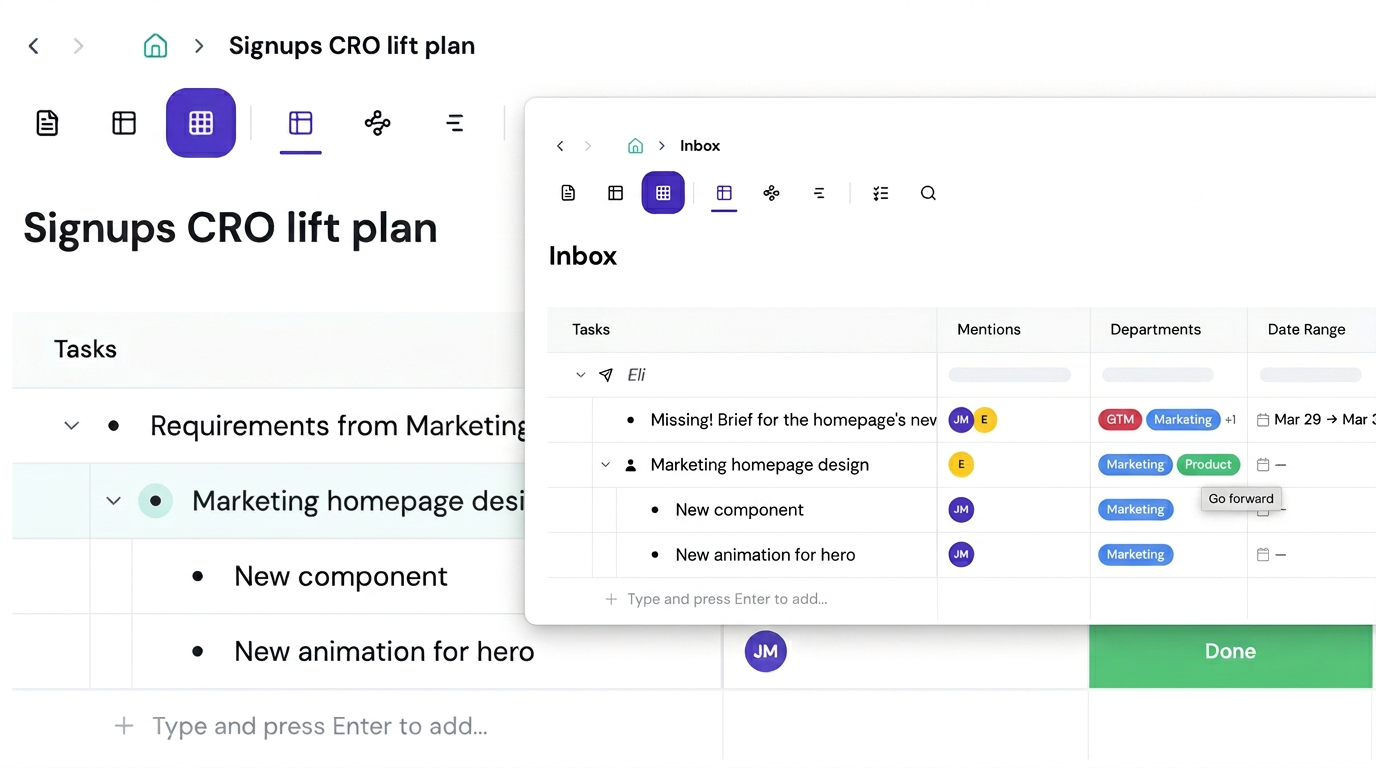
Team tasks in your own view
When a teammate @mentions you, the task lands in your workspace, wherever you want it.
- Your placement: nest it under any project you like.
- Original untouched: your placement doesn't change theirs.
- Always in sync: one task, two homes.
Personal GTD inside a team
Build your own areas, projects and next actions right next to your sprint board.
- Your hierarchy: areas, projects, tasks, next actions.
- Zoom freely: focus on personal branches, then pull back.
- Private review: weekly review without exposing your process.
Focus on what matters now
Zoom into any branch of your tree and the rest disappears.
- Personal time: zoom into your personal area.
- Work time: zoom into your team's project.
- Zero distraction: same tool, different context.
One tool replaces four
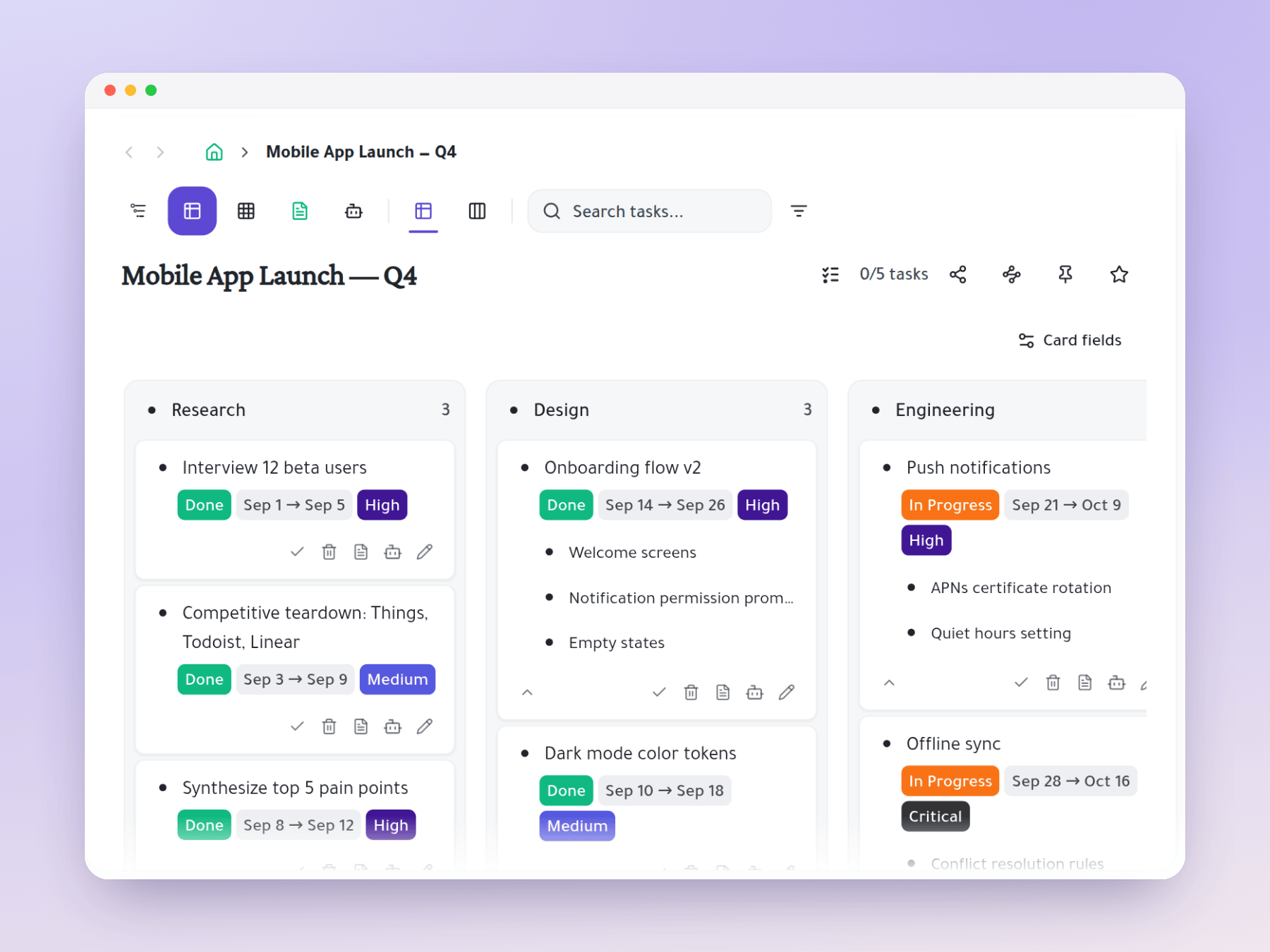
Your tasks, sprint board, notes and roadmaps live in one connected hierarchy.
- Tasks and sprints: replaces Todoist and Jira or ClickUp.
- Notes and roadmaps: replaces Notion and Smartsheet.
- No juggling: no import, export or context switching.
Start organizing your way
One task, many places
Mirror a task into any project and it stays in sync everywhere.
Six views, zero re-entry
Outliner, Kanban, Table, Gantt, Document and AI Execution chat — all on the same tasks.