One Outliner. Three Keystrokes. Your Whole Workspace.
Type / for commands, # to route, @ to mention — and every shortcut becomes a readable inline chip instead of hidden metadata.
How it works
One task, multiple homes, multiple users
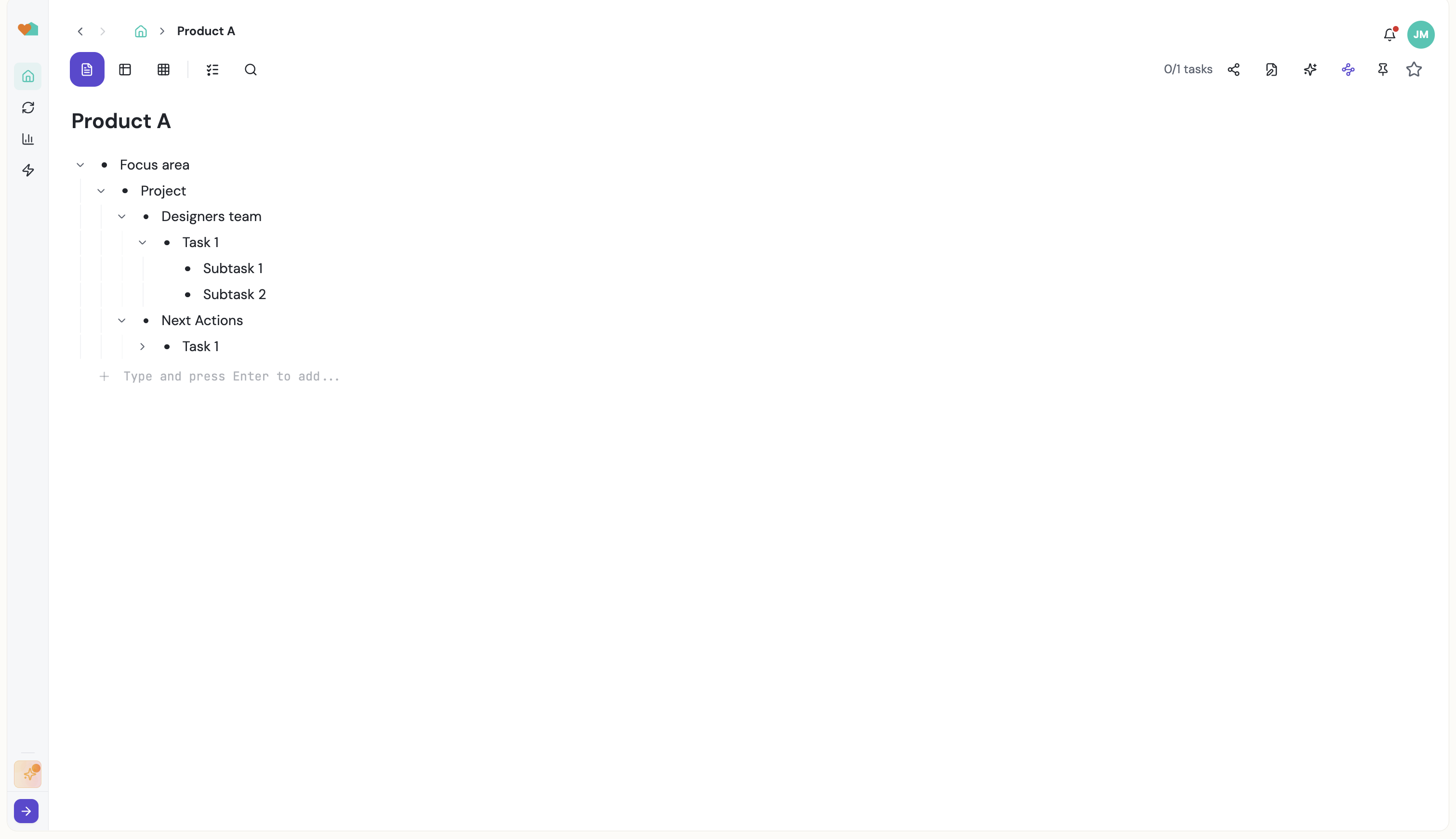
Most task managers make you leave the text you're writing to fill in a form: pick a project from a dropdown, open a modal to assign someone, click a date picker. Taskpend's outliner keeps you in the line. You write a thought, and three keystrokes turn it into structured, routed, assigned work — visible right there in the bullet as chips you can read and click.
/ — The Command Menu
Type / anywhere in a bullet to open the command palette in context. Mirror this task somewhere else, turn it into a channel, add a date or date range, switch the branch to Kanban / Spreadsheet / Document / Timeline, schedule a recurring run, hand it to an AI agent, or generate subtasks. The command applies to the bullet you're standing on — no selecting rows, no right-click menus.
# — Route Into Channels and Projects
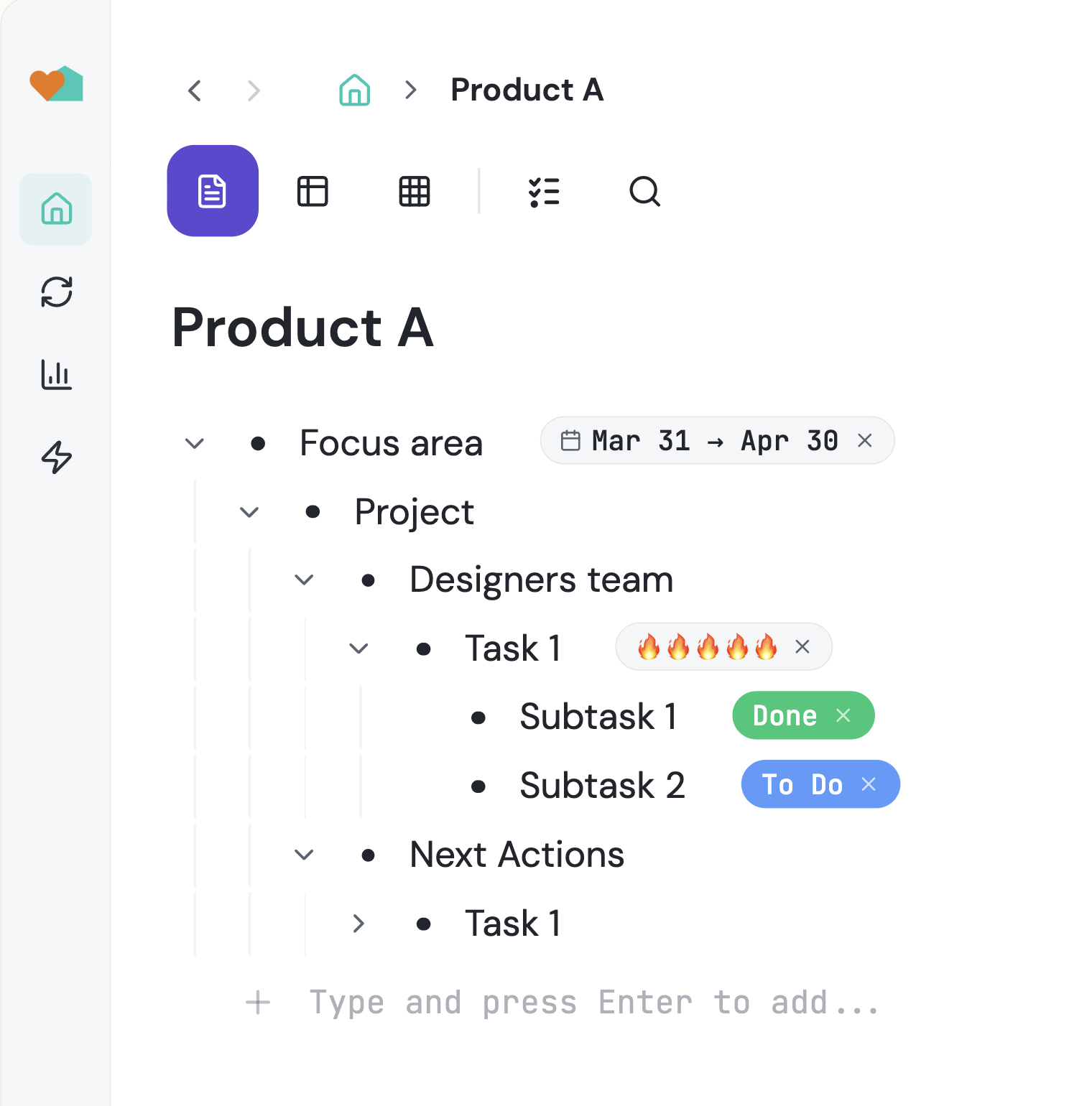
Type # and start typing a destination: a channel, a project root, or any task in your tree. Pick it and the task is routed there while staying where you wrote it. The destination renders as an inline chip on the bullet, so you can always see where a task lives and jump there in one click. Don't have the channel yet? Create it from the same menu and it gets promoted into your sidebar automatically.
@ — Mention People, Mirror the Work
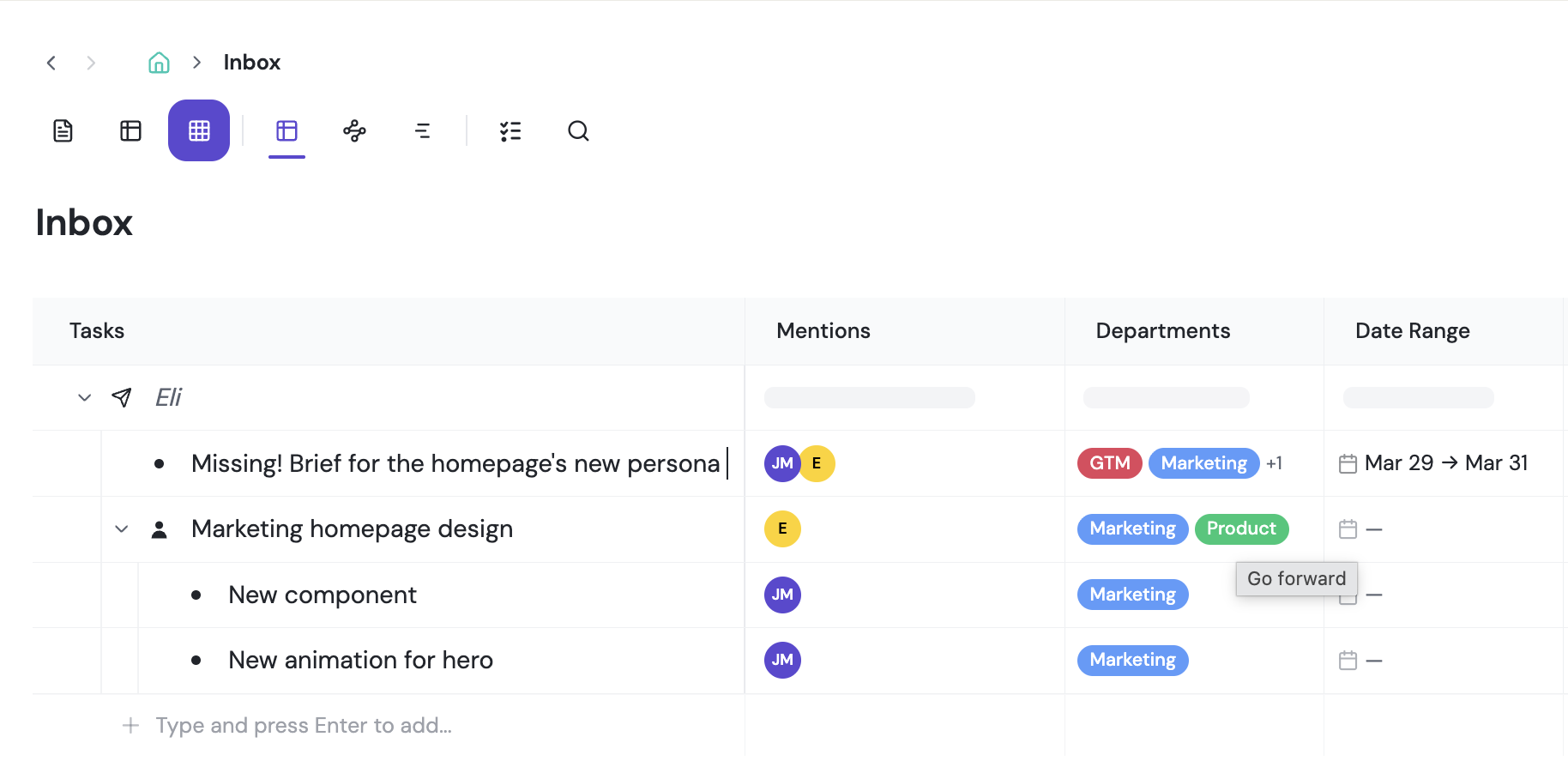
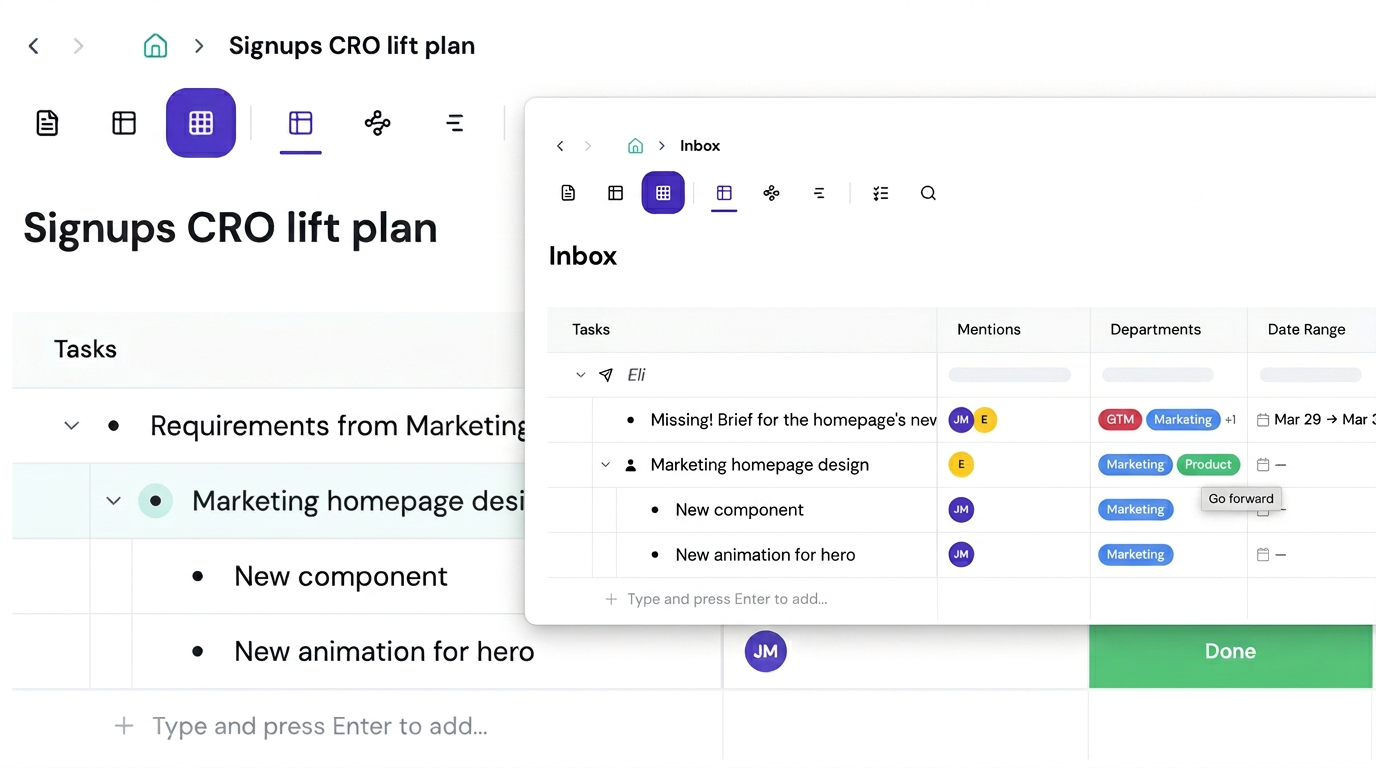
Type @ to mention a teammate. The task mirrors into their own list instantly: same task, two places, always in sync. Rename it, complete it, or add subtasks from either side and both reflect the change. Mentions render as person chips, so a line like "ship the pricing page @dana #growth" is simultaneously a sentence, an assignment, and a routing rule.
Infinite Depth, Zoom Into Anything
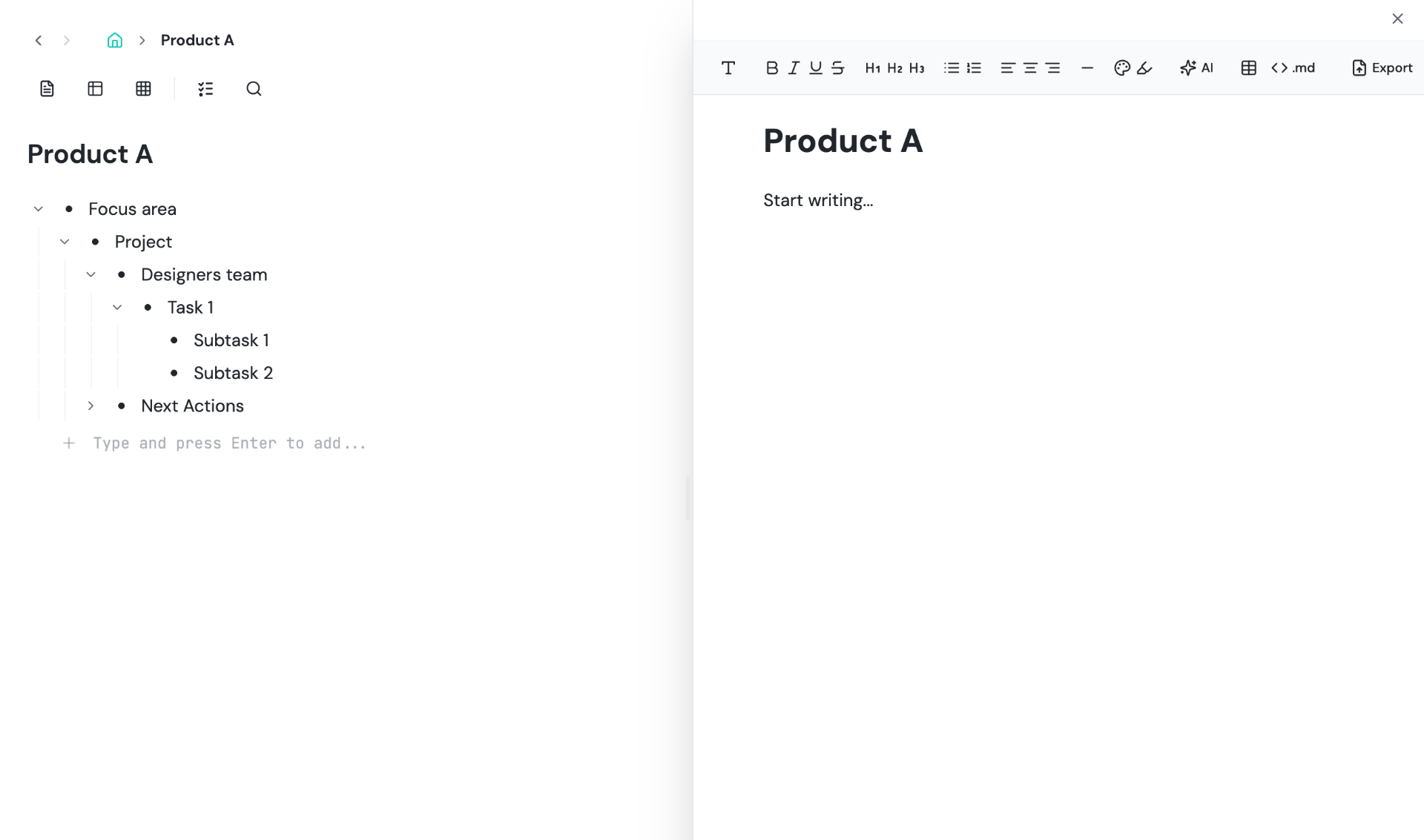
Enter creates the next bullet, Tab nests it, Shift+Tab promotes it. Nest as deep as the work actually goes — company → team → project → epic → task → subtask. Click any bullet to zoom in and treat it as a standalone page with its own views, document, columns and agents. Zoom back out and it is a single line again.
Chips Are Live, Not Labels
Every chip is a real relationship. A channel chip means the task genuinely exists in that channel. A mention chip means a mirrored copy lives in someone else's list. A date chip feeds Timeline and Calendar views. A schedule chip means a recurring run is armed. Because the chips are the data, nothing drifts out of sync between views.
Capture First, Structure Later
The fastest place to put a thought is the top of your outliner. Dump it as plain text, then come back and add # to route it, @ to hand it off, or / to break it down with AI. Structure is progressive — you are never blocked by a form before you can write something down.
Start organizing your way
Free forever for individuals. No credit card required.
Mirror a task into any project and it stays in sync everywhere.
Outliner, Kanban, Table, Gantt, Document and AI Execution chat — all on the same tasks.
Free forever for individuals. No credit card required.