Schedule the Work, Not Just the Reminder
Attach a cadence to any task. It recurs on its own — and if you want, an agent does it while you sleep.
How it works
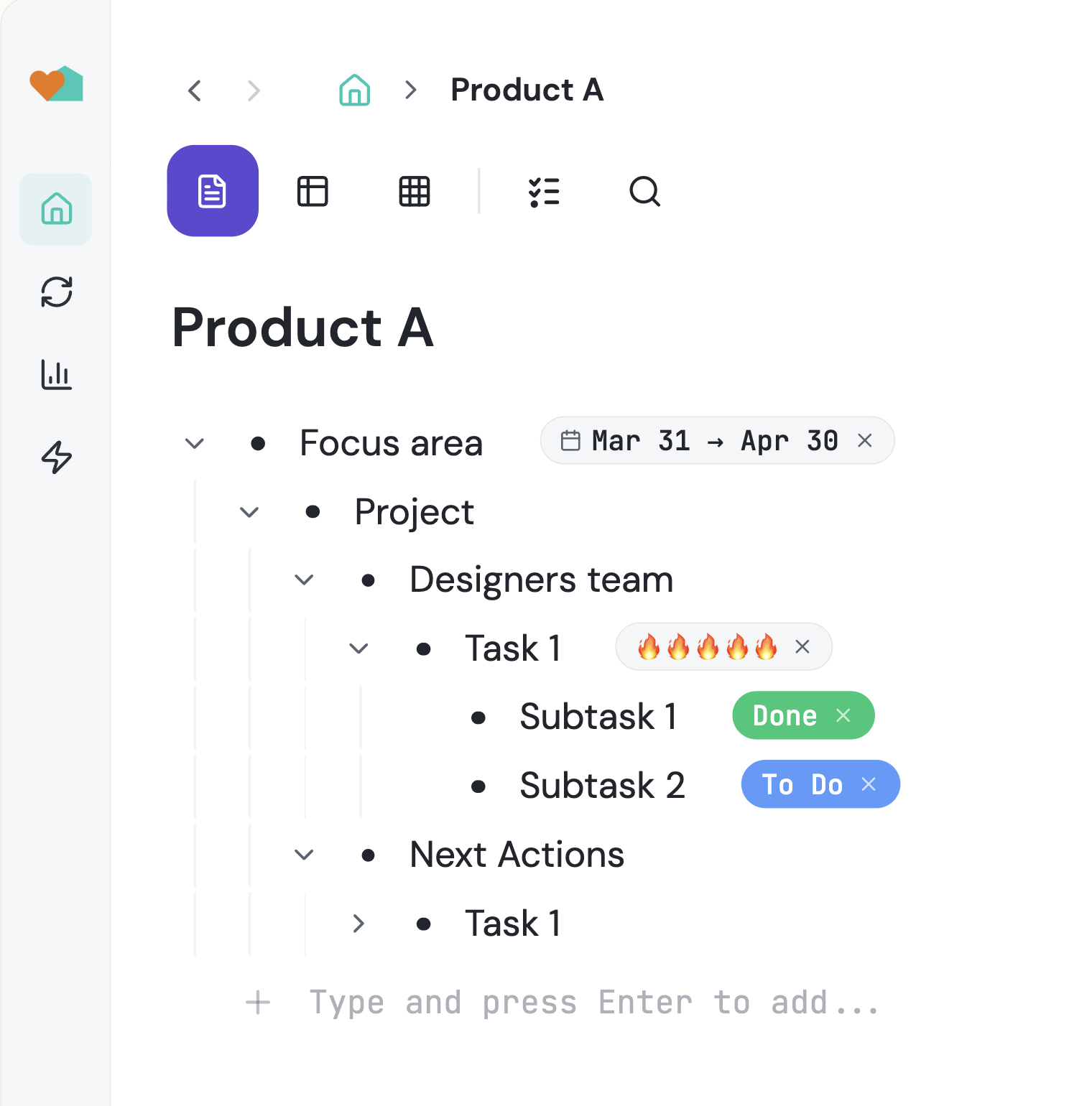
One task, multiple homes, multiple users
Recurring work is where most systems quietly break: a repeating reminder pings you, but nothing actually happens until you sit down and do it. Taskpend's scheduler treats a cadence as a property of real work. The same task that holds your subtasks, document and columns can also fire on a schedule — and hand itself to an agent with a clear bar for what finished means.
Any Task Can Have a Cadence
Open the clock icon on any task's toolbar and pick how often it should happen: every day, specific weekdays, weekly, monthly, or at a set time. There is no separate 'recurring tasks' area to maintain — the schedule lives on the task you already created, next to everything else about it.
One Place to See Everything Recurring
Scheduled tasks are mirrored into a dedicated Schedules section in the sidebar, marked with a schedule icon wherever they appear. Expand it to see every cadence you have armed, when it next fires, and the history of past occurrences — without hunting through projects.
Autonomous Agent Runs
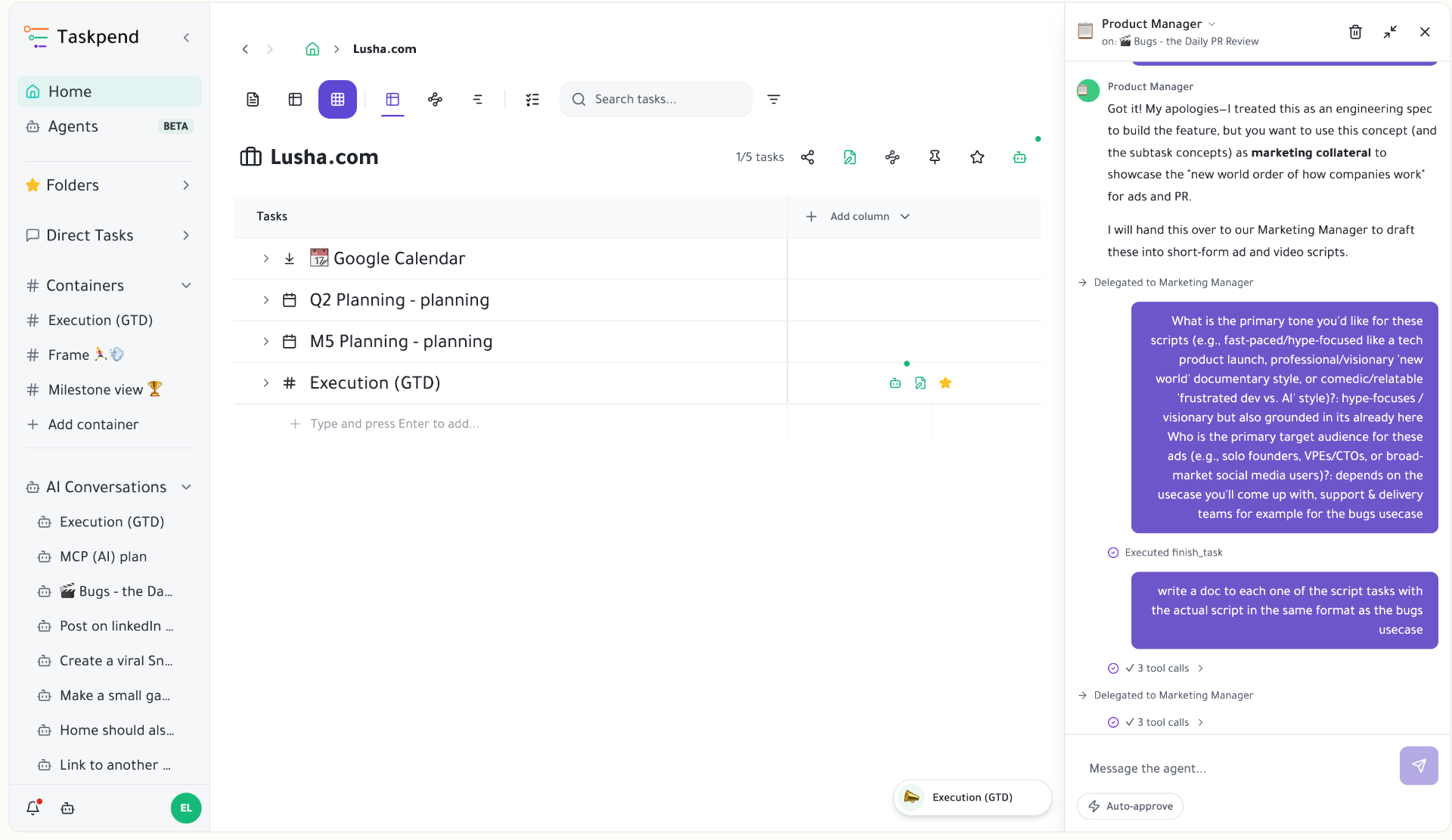
Point a schedule at an agent and the work happens without you. Monday morning competitive research, a nightly changelog draft, a weekly pipeline refresh in a spreadsheet — the agent wakes up with the task's full context and prior run memory, does the work, and leaves the result on the task.
Done When… (Not Just Done)
Each schedule carries a short 'done when' paragraph — the bar the run checks itself against before it reports finished. Taskpend infers a suggestion from the task's own context, so you usually just confirm it. Runs that get cut off before meeting the bar are marked honestly and picked up again rather than faked as complete.
Occurrences You Can Audit
Every firing is recorded as an occurrence with its status, headline, duration and any error. Scan the history to see which cadences deliver value and which are noise — then change the rhythm or retire the schedule in one click.
Results Where the Work Lives
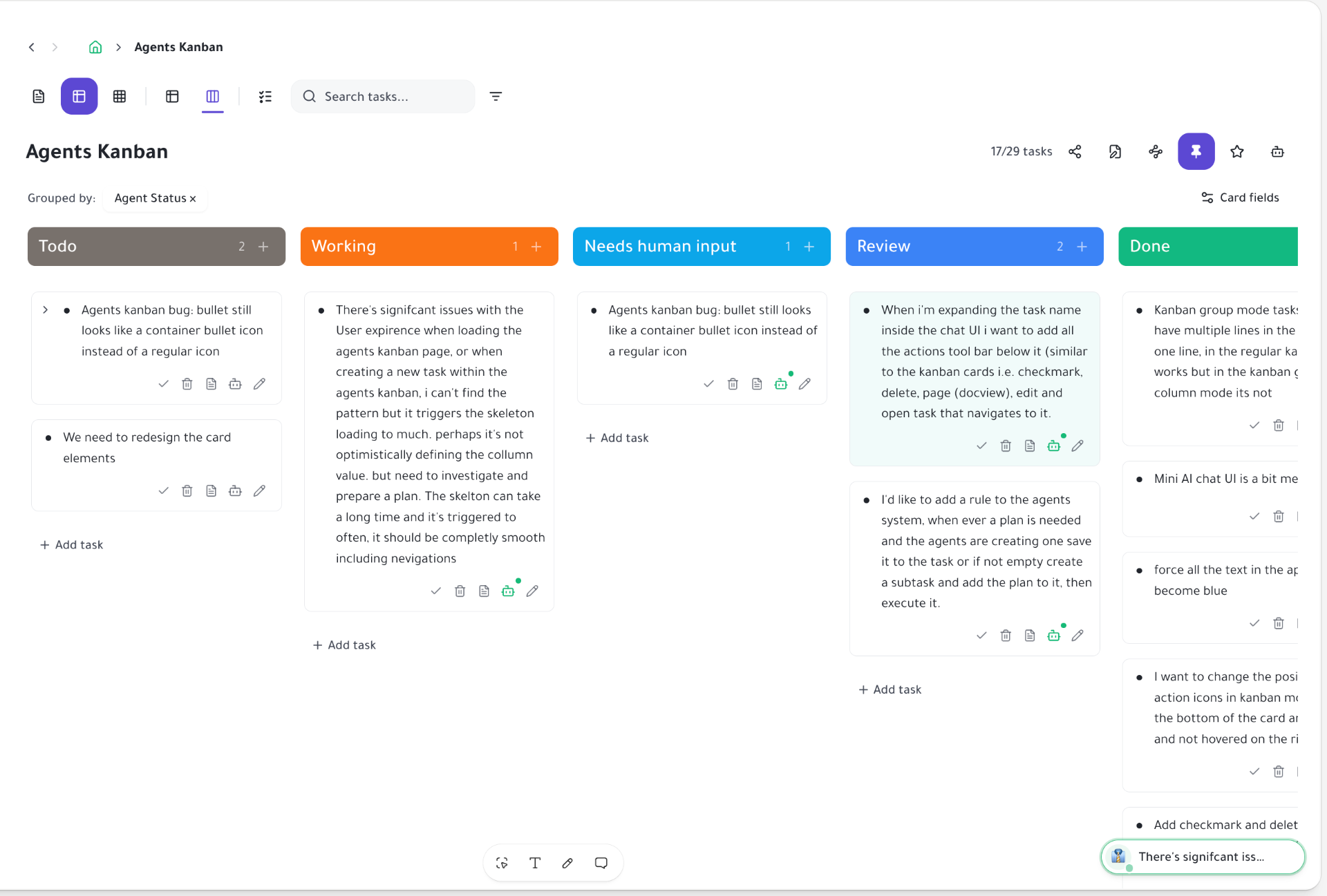
Scheduled output does not land in a separate log. Documents get written on the task, rows get filled in its spreadsheet, subtasks get created underneath, and completed agent runs appear on the agent Kanban's Review lane for a human to accept.
Start organizing your way
Free forever for individuals. No credit card required.
Mirror a task into any project and it stays in sync everywhere.
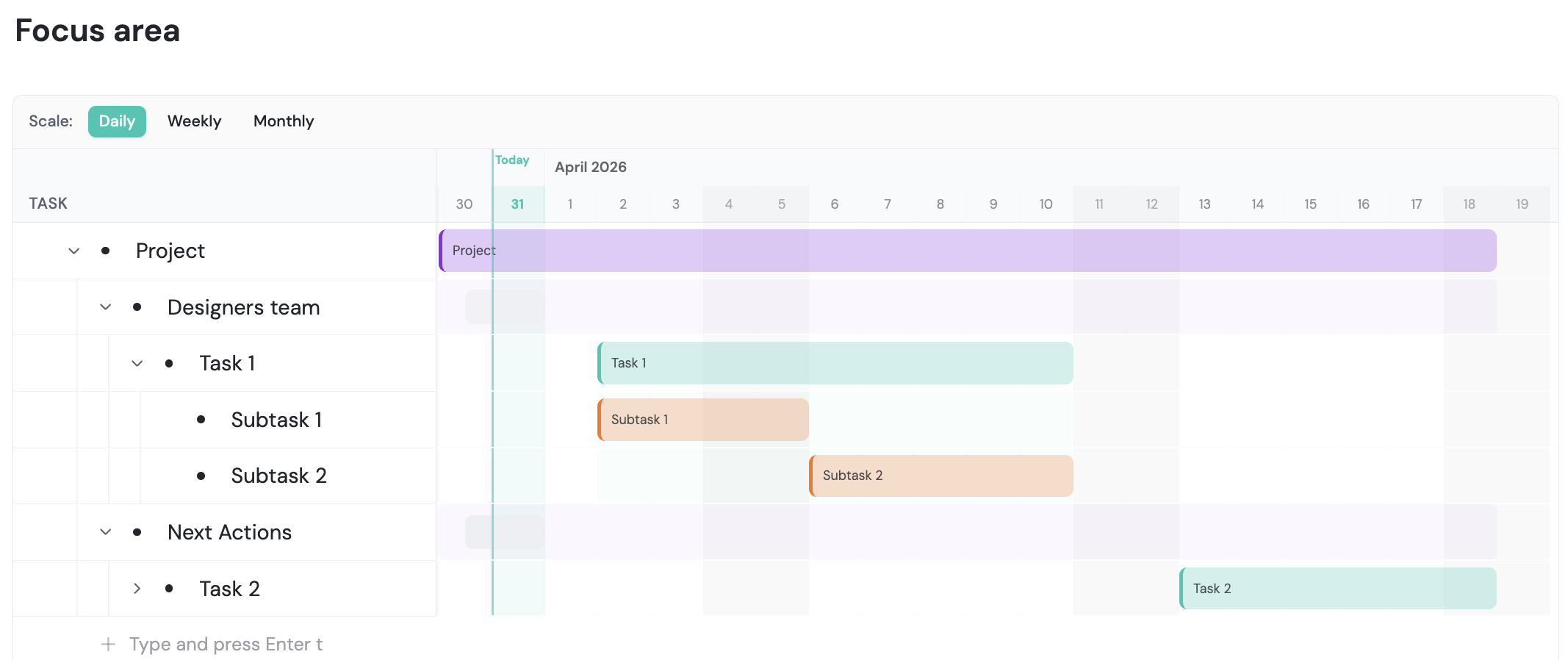
Outliner, Kanban, Table, Gantt, Document and AI Execution chat — all on the same tasks.
Free forever for individuals. No credit card required.