From Product Roadmap to Daily Standup — One App for Product Managers
Gantt for roadmaps. Kanban for sprints. Docs for specs. Jira sync for engineers. All on the same tasks.
How it works
Everything it does, up close
Roadmap, sprint board, specs and Jira status on one set of tasks, so you stop copying between tools.
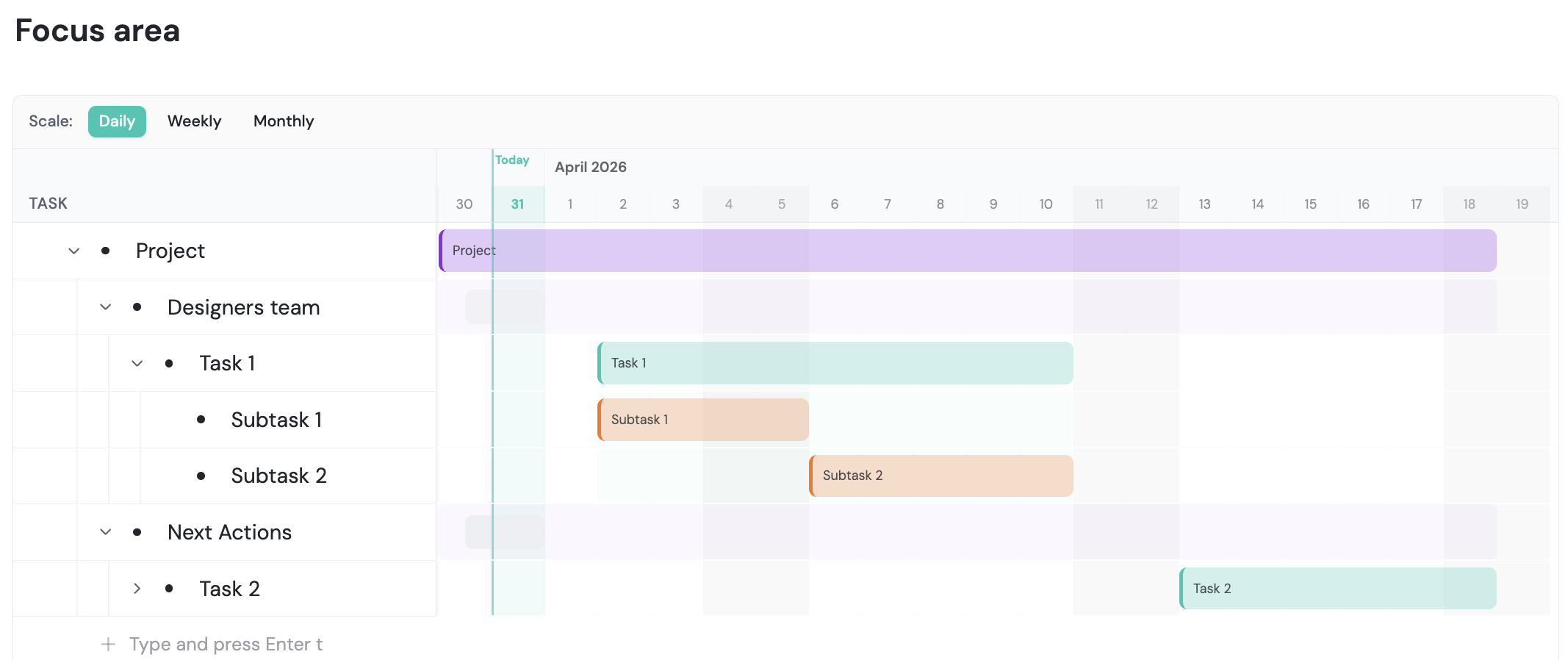
Roadmaps stakeholders can see
Turn your epics and features into a timeline, and share it with a read-only link.
- Timeline view: set dates and see dependencies on a Gantt chart.
- Read-only link: share for business reviews or investor updates.
- Always current: the roadmap updates as plans change.
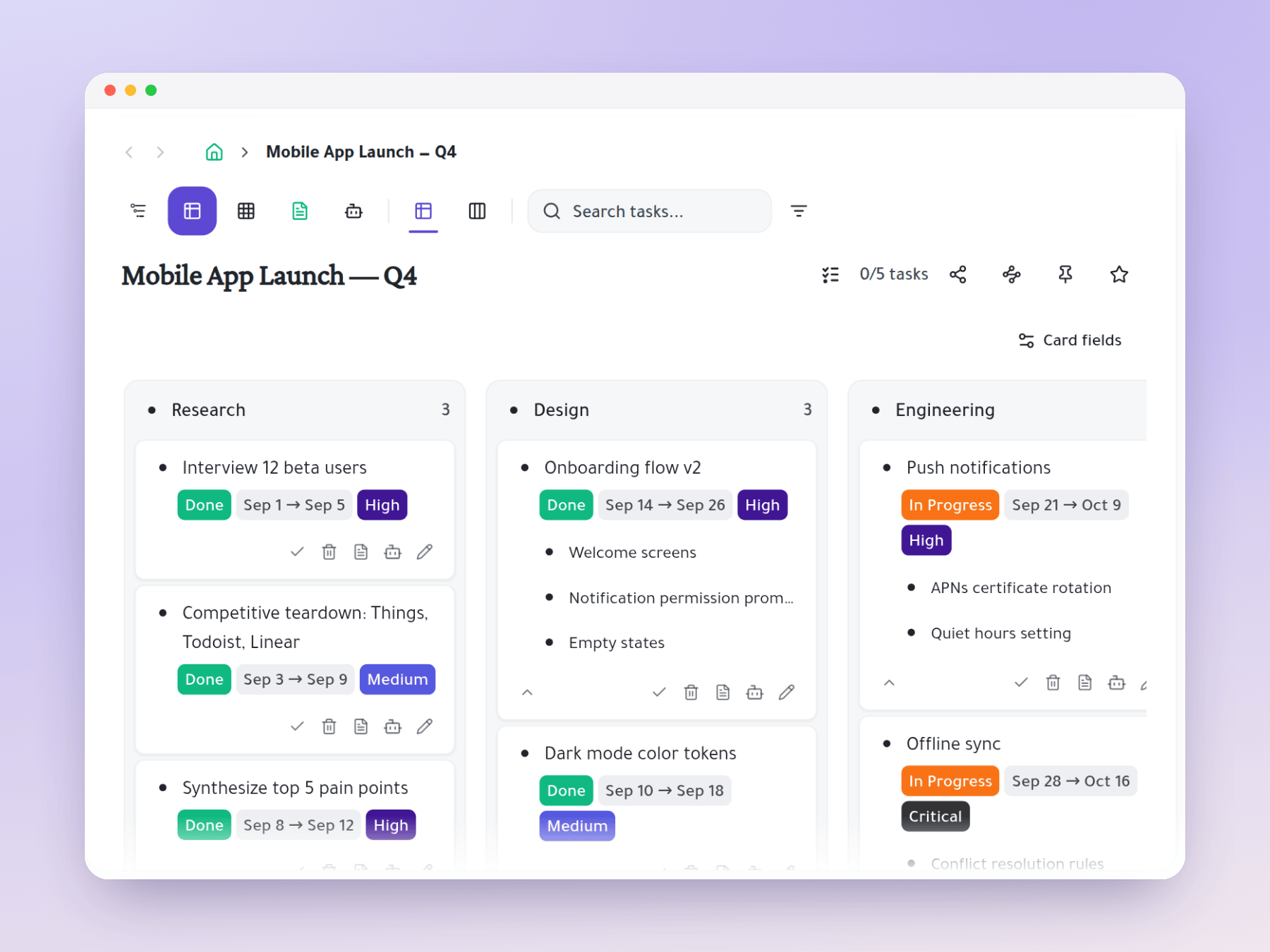
Run sprints on a Kanban board
Drag sprint tasks across your own status columns, with subtasks inside each card.
- Your columns: Backlog, In Sprint, In Progress, In Review, Done.
- Expand cards: update engineering subtasks without leaving the board.
- One board: PM and engineers see the same live view.
Write specs next to the tasks
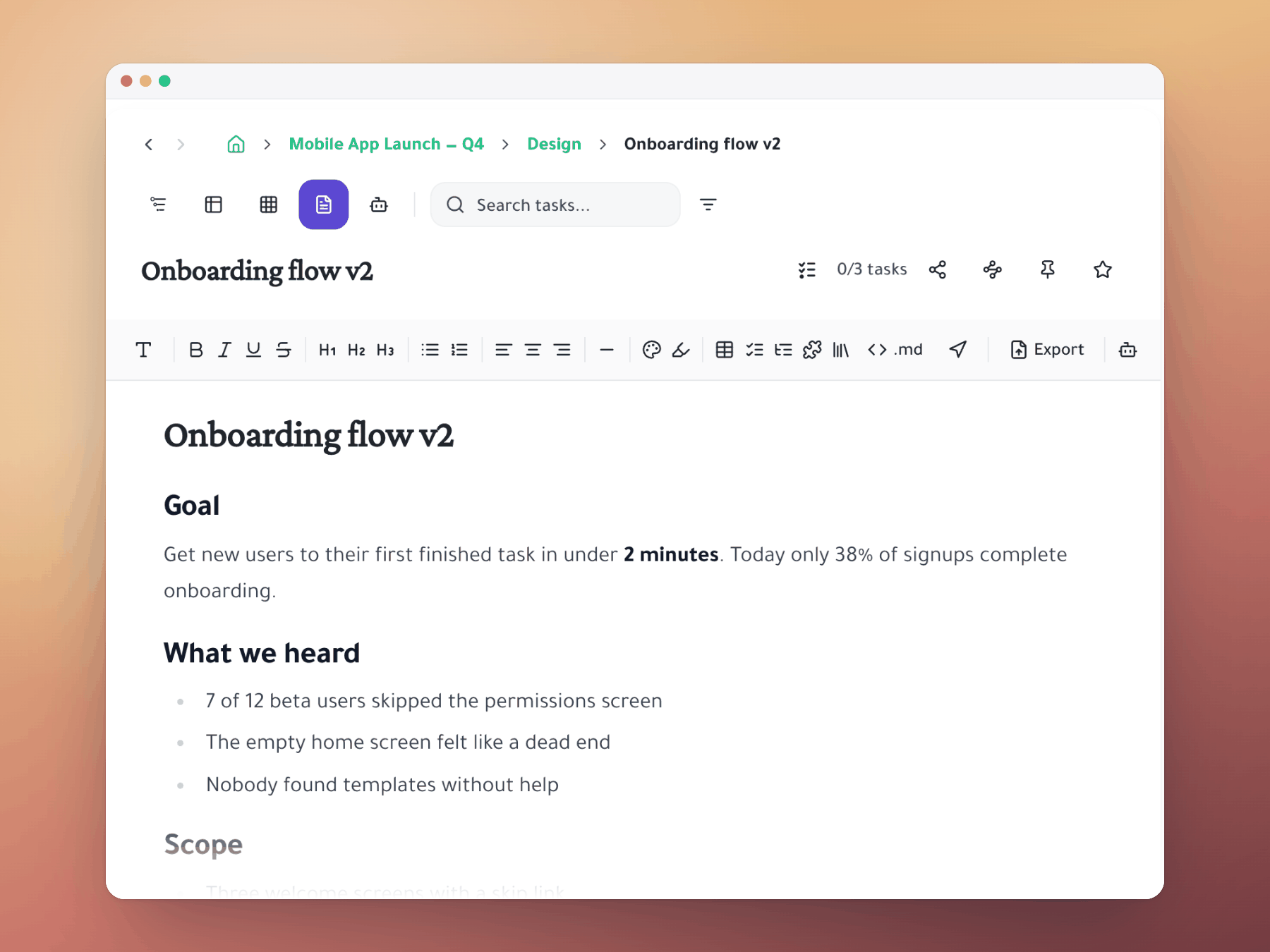
Write specs right beside the tasks they describe, so the two never drift apart.
- One place: specs and tasks live together.
- Change once: requirements and tasks update side by side.
- No split: no more specs in Notion, tasks in Jira.
Stay in sync across teams
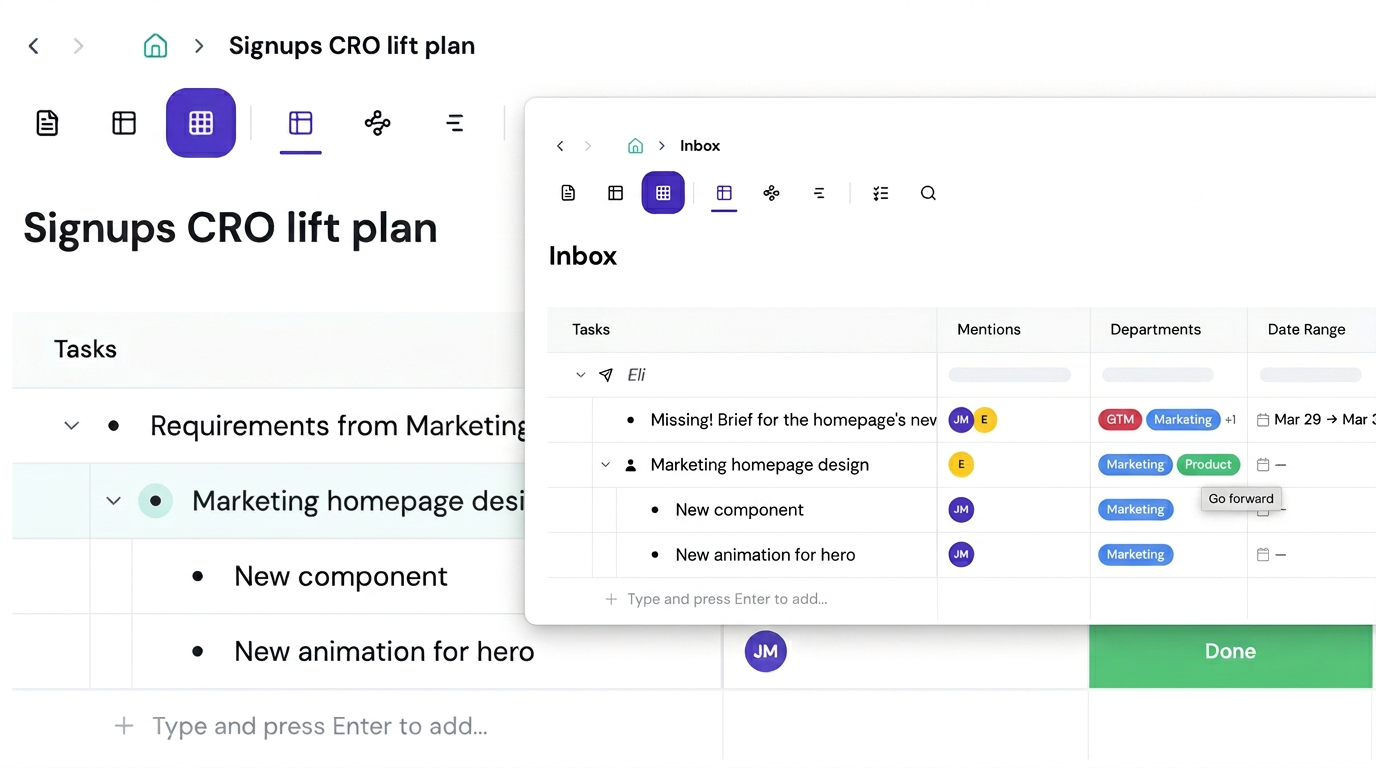
Mention an engineering task and it shows up in the engineer's workspace, kept in sync.
- Live status: their updates show on your board right away.
- Shared context: notes you add reach them instantly.
- Fewer meetings: no status meetings just to sync up.
Works with Jira
Engineers keep Jira while you keep your organized task list and views.
- Live status: a Jira column in Spreadsheet view.
- Create tickets: make Jira tickets straight from tasks.
- No migration: no forced move and no duplicate data.
Start organizing your way
Mirror a task into any project and it stays in sync everywhere.
Outliner, Kanban, Table, Gantt, Document and AI Execution chat — all on the same tasks.