Your Workspace. Your Organization. Even for Shared Tasks.
When a teammate shares a task, you place it wherever it makes sense in your hierarchy — not theirs.

How it works
Everything it does, up close
Shared tasks show up in your own workspace, placed wherever makes sense to you, without changing anyone else's setup.
The personal placement problem
Shared project structures make you work inside someone else's way of organizing.
- Their folders: tasks sit in someone else's categories.
- Hands tied: reorganizing would affect your teammates.
- Extra effort: you keep a second structure in your head.
Mirrored tasks, your placement
A task you're @mentioned on arrives as a mirror you can place anywhere.
- Not a copy: a mirror shows the original task.
- Anywhere you like: under a project, an area, or the top level.
- Yours only: your placement doesn't change it for anyone else.
Rearrange without breaking the original
Move, nest and reorder mirrored tasks freely without touching the original.
- Drag anywhere: into another project or under another parent.
- Your order: sort them by your own priorities.
- Teammates unaffected: their view of the task stays the same.
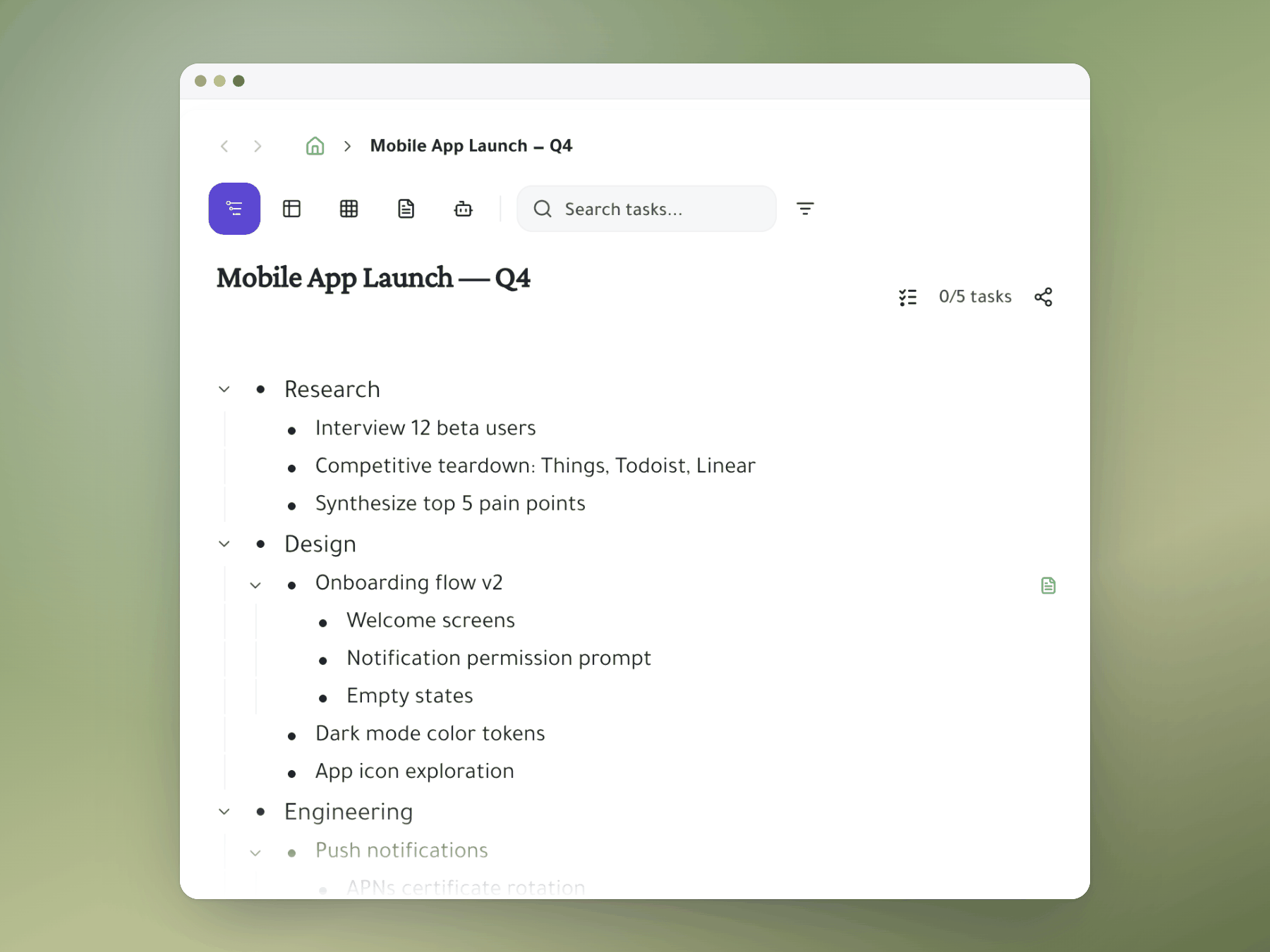
Personal and shared, one view
Mirrored tasks sit right next to your personal tasks in one workspace.
- No switching: no separate my tasks and team tasks views.
- Full picture: plan your morning around all your commitments.
- Your way: everything organized the way you think.
Mentions bring the task to you
When someone @mentions you, you get notified and the task lands in Tagged Me.
- Holding area: Tagged Me keeps new tasks until you place them.
- Quick triage: review arrivals and drag each into place.
- Familiar flow: the GTD inbox-to-list habit, for team tasks.
Start organizing your way
Mirror a task into any project and it stays in sync everywhere.
Outliner, Kanban, Table, Gantt, Document and AI Execution chat — all on the same tasks.