Why Monday.com Gets Too Complex
Boards multiply. Columns drift. Nobody owns the dashboard.
Monday is genuinely fun in week one. By month six you have 80 boards, three competing 'status' columns, automations firing into the void, and a dashboard nobody trusts. The product is colorful and powerful — it's also structurally board-first, which means complexity grows linearly with every project. Taskpend takes a different bet: one nested tree, six views over it.
Why switch
What Taskpend does that Monday.com doesn't
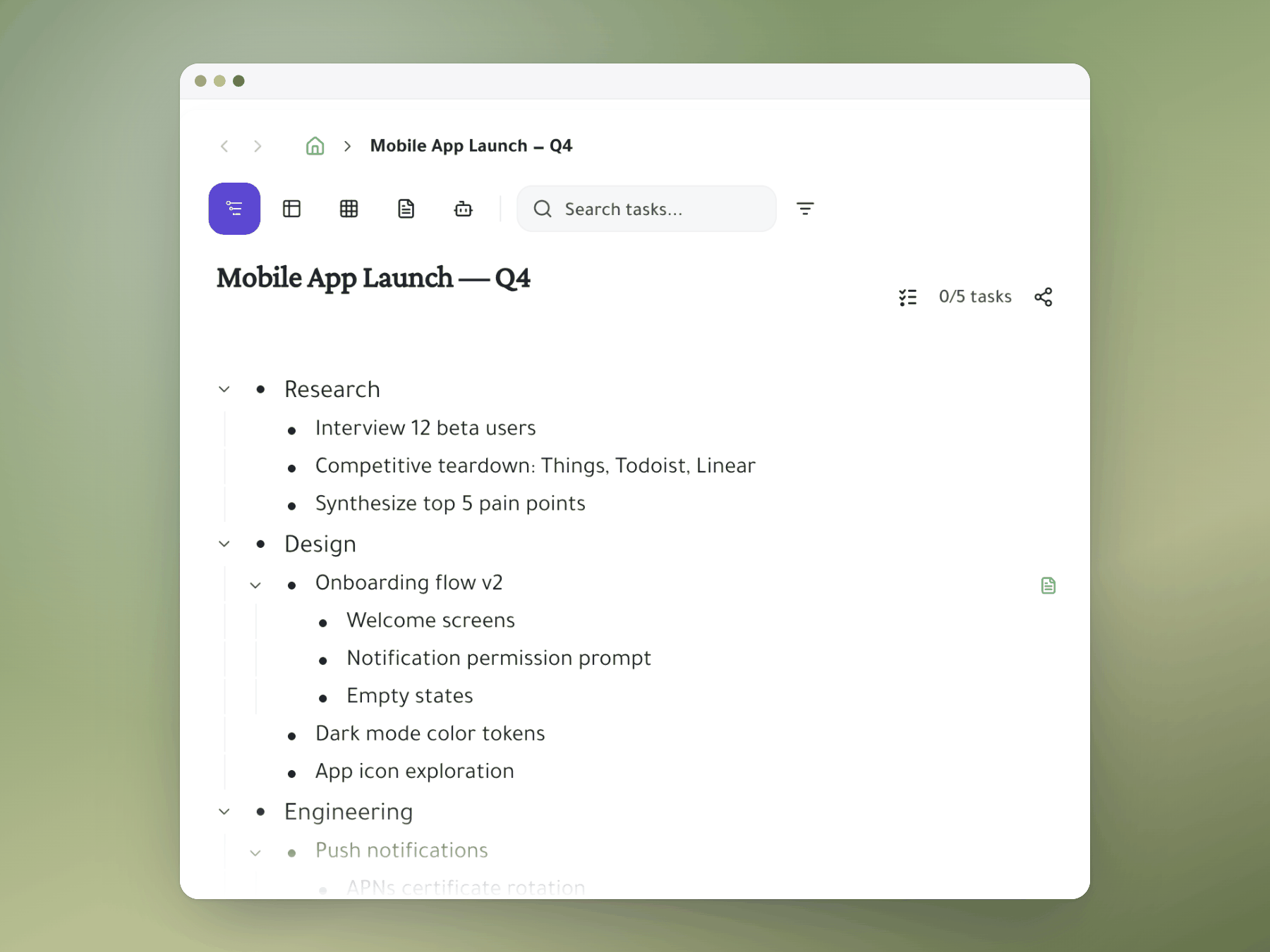
One tree, not N boards
Sub-projects nest inside parents. A new initiative is a child task, not a new board to maintain. You can still toggle any branch into a spreadsheet view — but you're not duplicating columns across boards.
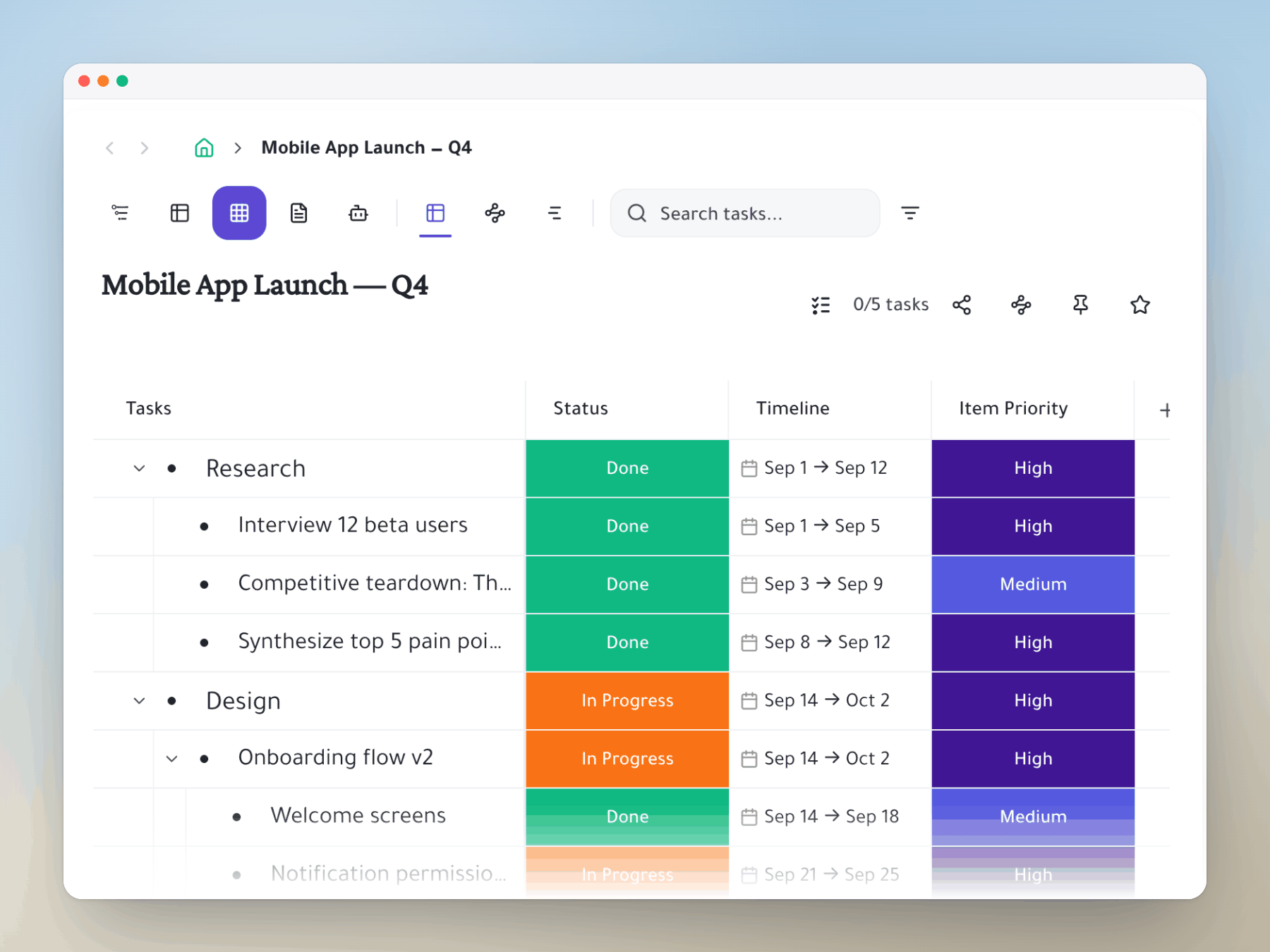
Spreadsheet view that doesn't fork
Custom columns (status, owner, due, story points, dropdowns) live on the tree, not on a board. Add a status column once and use it everywhere — no more 'which Status column is the real one.'
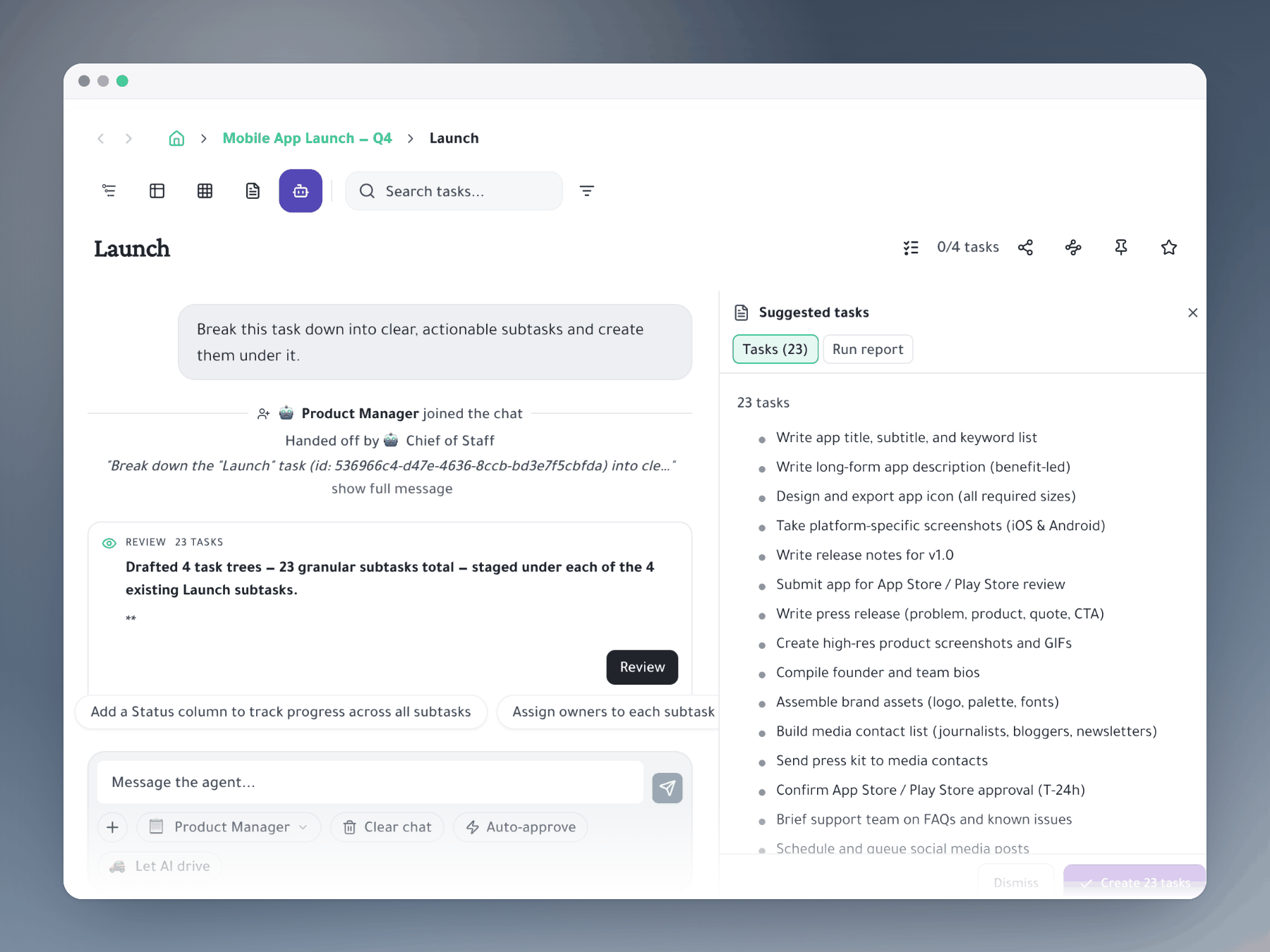
AI that consolidates, not multiplies
Ask the AI agent to merge similar boards into one tree, propose a column model, or break an initiative into subtasks. The output is structure, not more boards.
Feature comparison
Taskpend vs Monday.com
Ready to switch?
Start for free. No credit card required. Import your existing tasks in minutes.
Mirror a task into any project and it stays in sync everywhere.
Outliner, Kanban, Table, Gantt, Document and AI Execution chat — all on the same tasks.
No credit card required. Import your existing tasks and go.