Why Notion Isn't a Task Manager
It's the best doc tool you can buy. That's a different job.
Notion's database-and-blocks model is brilliant for documents, wikis, and reference material. As a task manager it forces you to rebuild fundamentals every time: a status property, a 'parent task' relation, a roll-up formula, a separate sprint database. By month three you're maintaining the system instead of the work — views drift out of sync and nobody trusts the data. Taskpend doesn't replace Notion — it does the job Notion was never designed to do.
Why switch
What Taskpend does that Notion doesn't
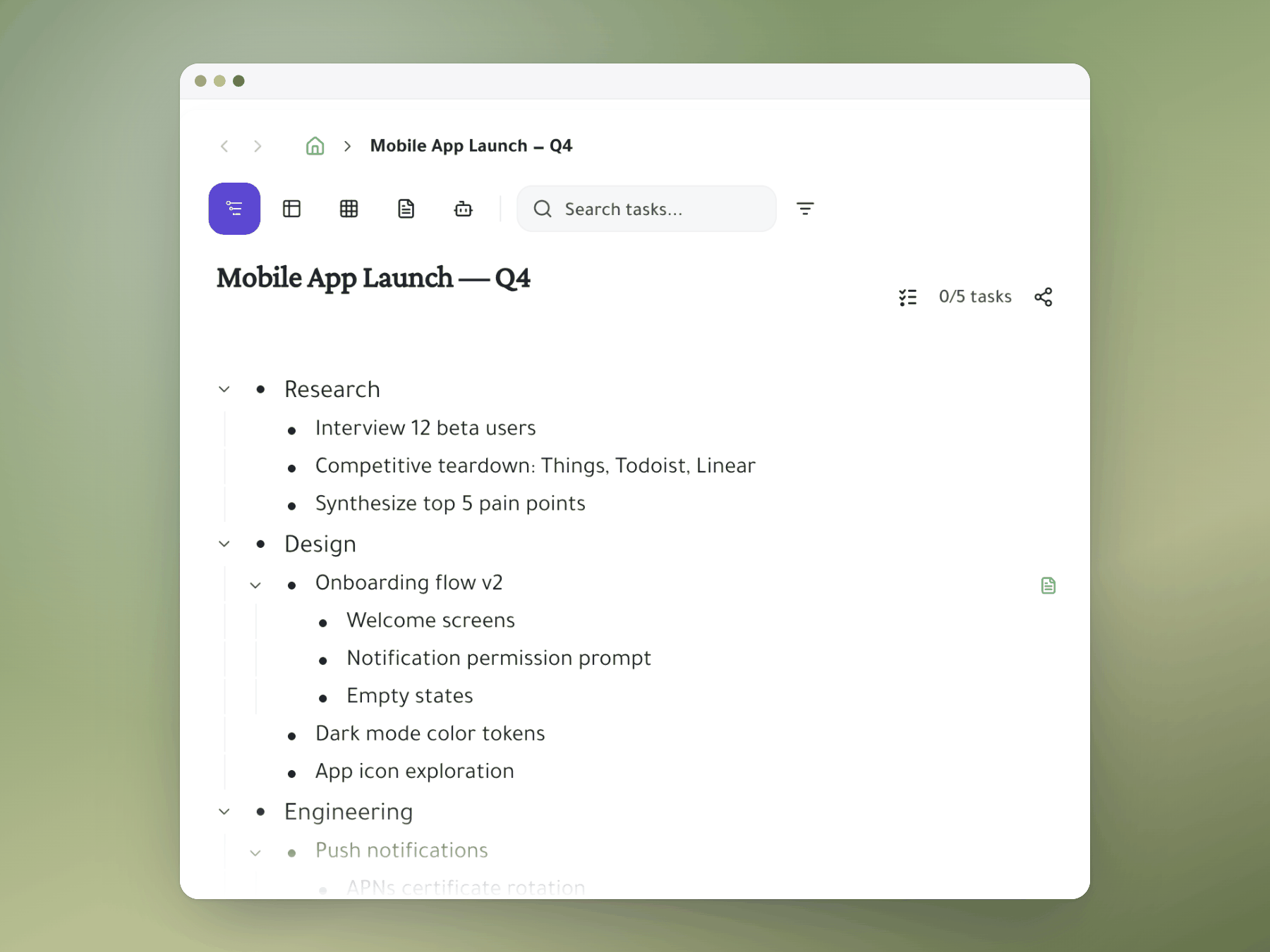
Tasks as a tree, not database rows
Infinite nesting is a primitive, not something you configure with relations and rollups. No depth caps, no rollup ceilings.
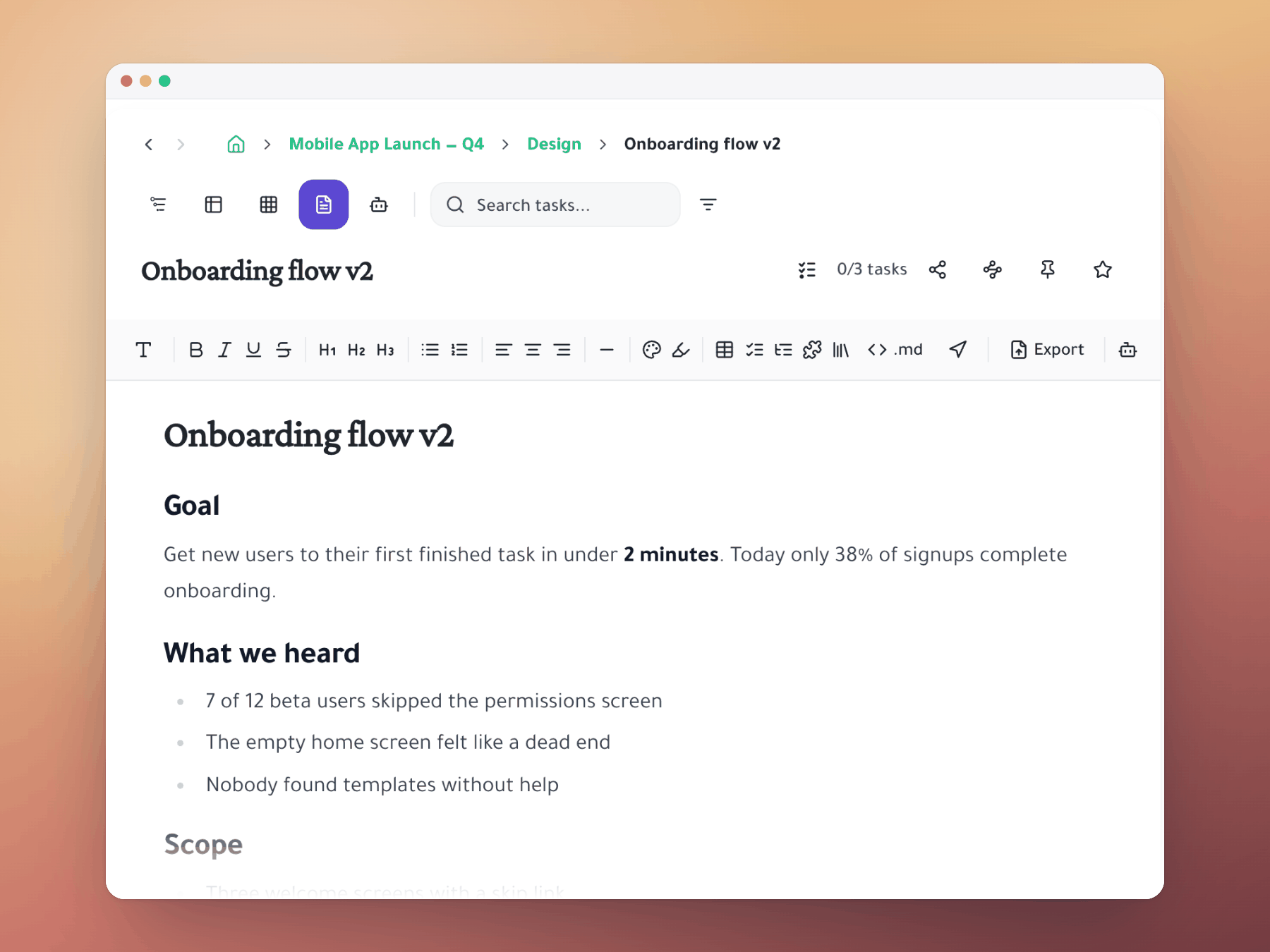
Document view attached to every task
Each task can have a rich-text doc attached — perfect for PRDs, briefs, and meeting notes. Pair with Notion for wiki and reference.
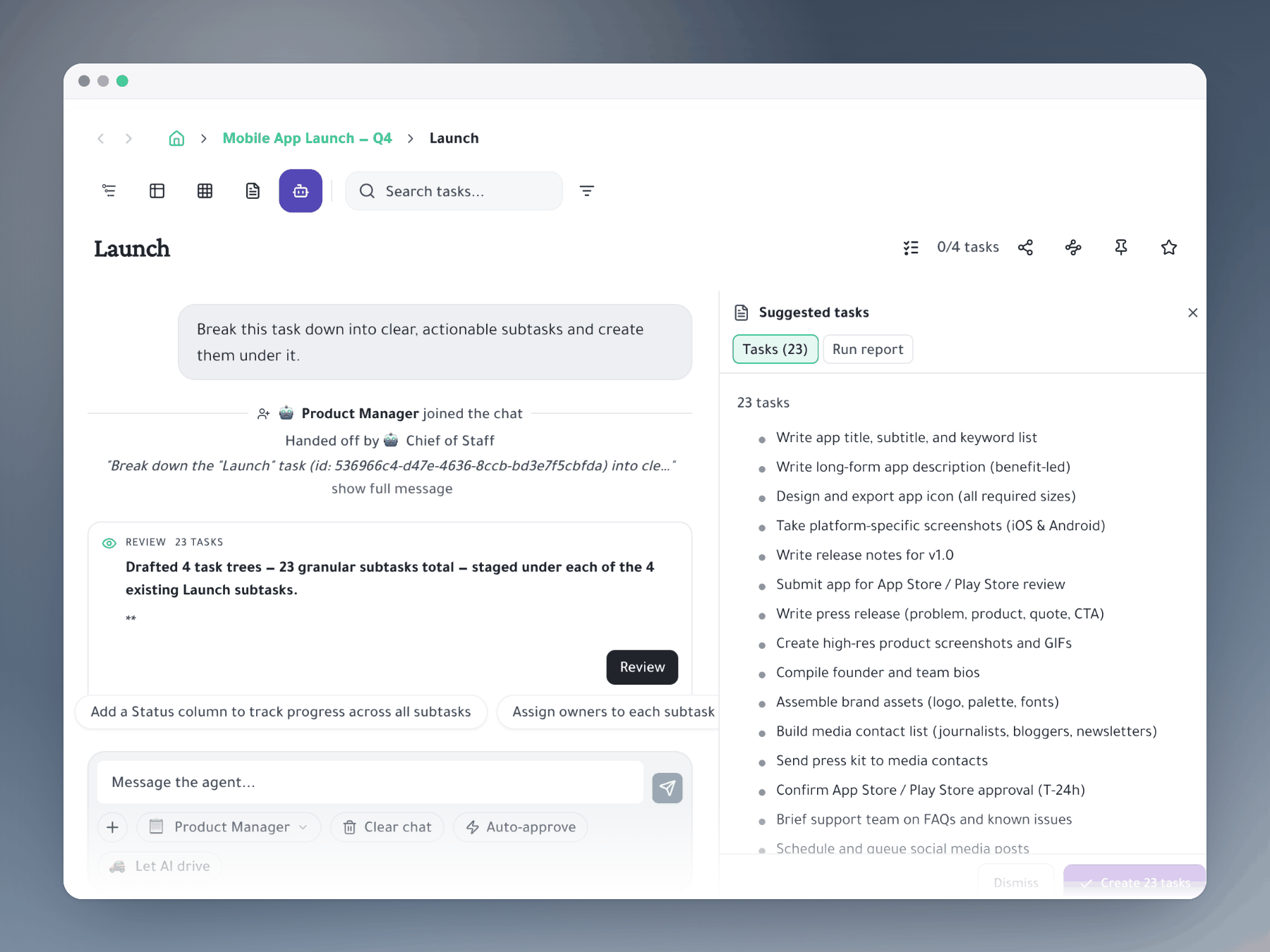
AI agents that operate on the tree
PM agent writes the PRD into the doc, breaks it into a nested task tree, assigns owners. Taskpend's AI operates on the task tree itself, not just the page.
Feature comparison
Taskpend vs Notion
Ready to switch?
Start for free. No credit card required. Import your existing tasks in minutes.
Mirror a task into any project and it stays in sync everywhere.
Outliner, Kanban, Table, Gantt, Document and AI Execution chat — all on the same tasks.
No credit card required. Import your existing tasks and go.